


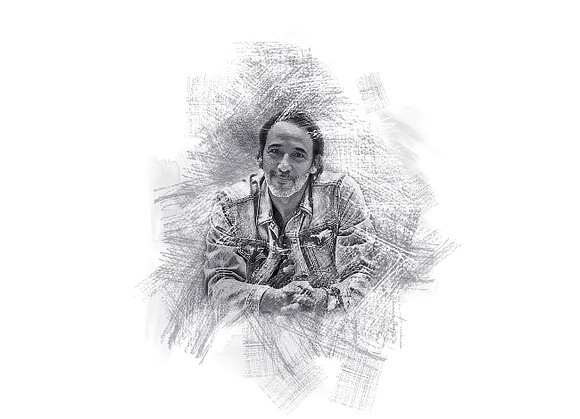
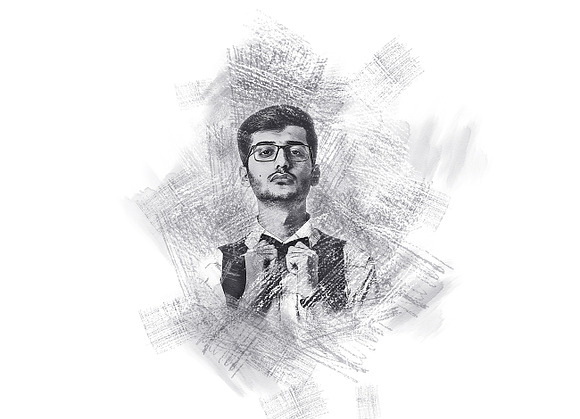
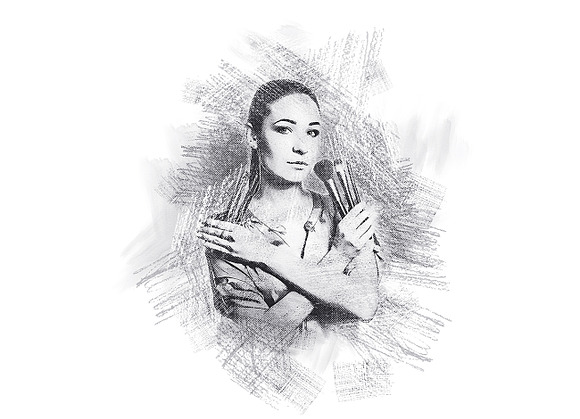
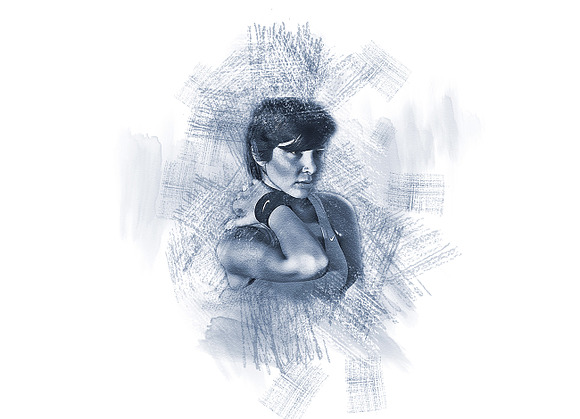

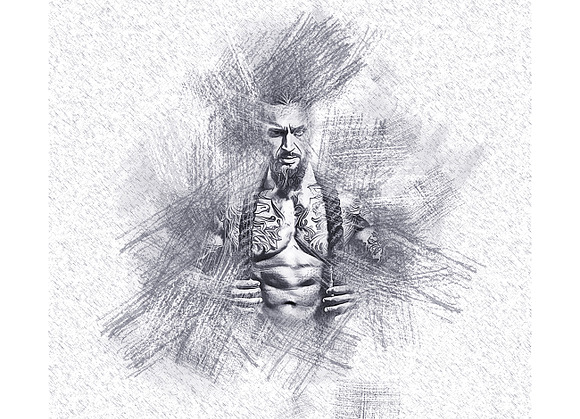

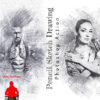


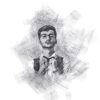
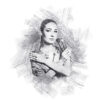
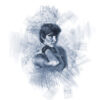
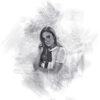
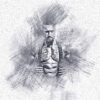
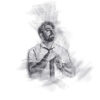
Description
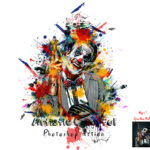
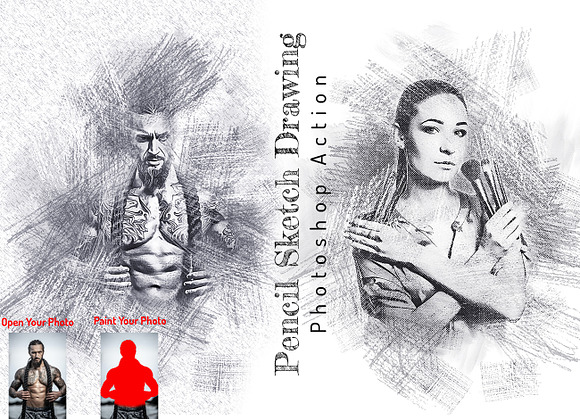
(1) First open an image in Photoshop. Expand the space around your photo for best results. Select your Background image and take crop tool from tools bar then expand all side. Now you need resize your image. For resize image select crop tools and go top menu bar you see W x H x Reso three blank box. Write W 2000px,H 2000px,Resolation 72. Then press enter button.
(2) Open your photo Create a new layer then rename “paint”( in lowercase). Then select a brush and paint your image. Close “paint” layer eye and keep selection “paint” layer Then click action play button.
Products information & File Include:
- ATN Files include(Photoshop Action File)
- Brush File
- 10 color option
- Masking option
- Well-documented instructions included
- Easy to use one-click actions
- Professional results and very easy to use
- You can Edit All layers Easily
- All layers are organized, named, and placed in groups to have complete control over each layer and each group.
- All layers are organized, named, and placed in groups to have complete control over each layer and each group.
- My Working Software Version: CC2015.5 English Version.
- Compatible with Photoshop CS6, CC,CC2014, CC2015, CC2015.5, CC2016, CC2017, CC2018, CC2019, CC2020 English Version
PRODUCT TERMS:
- The product is delivered as an instant download once you place your order.
- All the actions can be used for both personal and commercial purposes, for yourself or on behalf of a client, or as part of your new design for sale.
- The products cannot be resold, shared, transferred, or otherwise redistributed on their own.


Reviews
There are no reviews yet.