


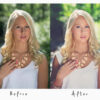
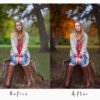
Description
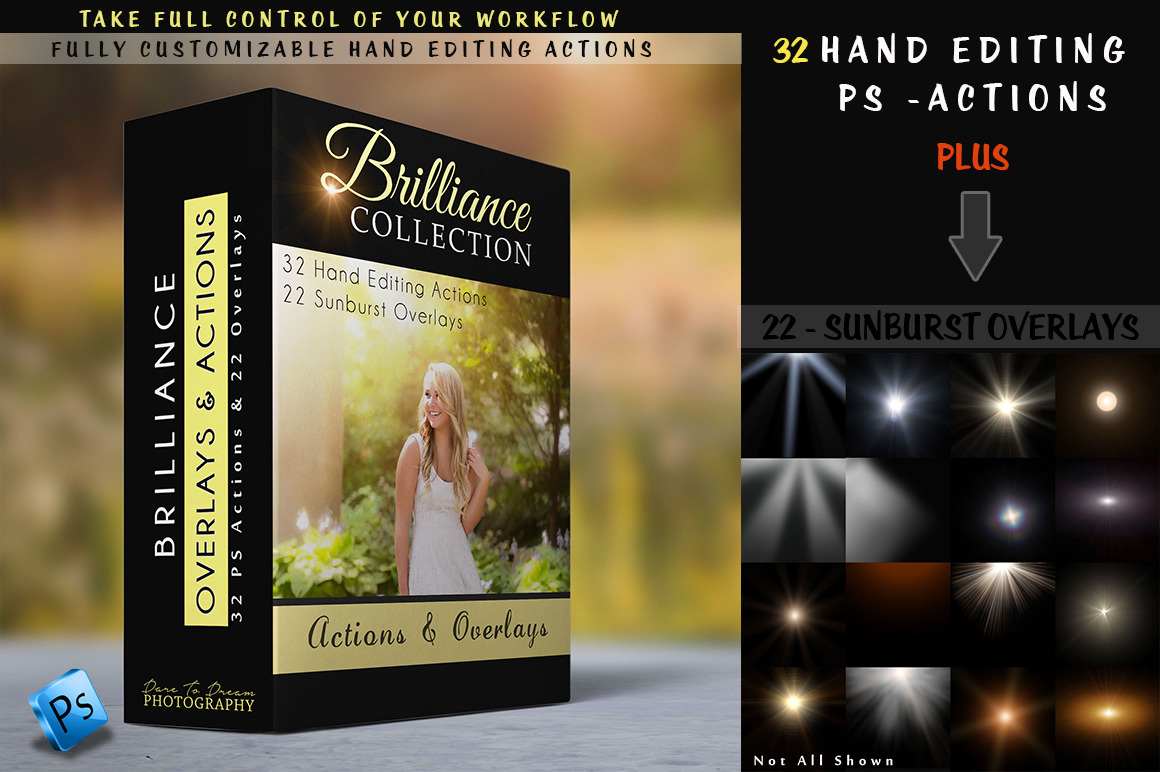
Products information & File Include:
- 3 Beautiful Background Brushes
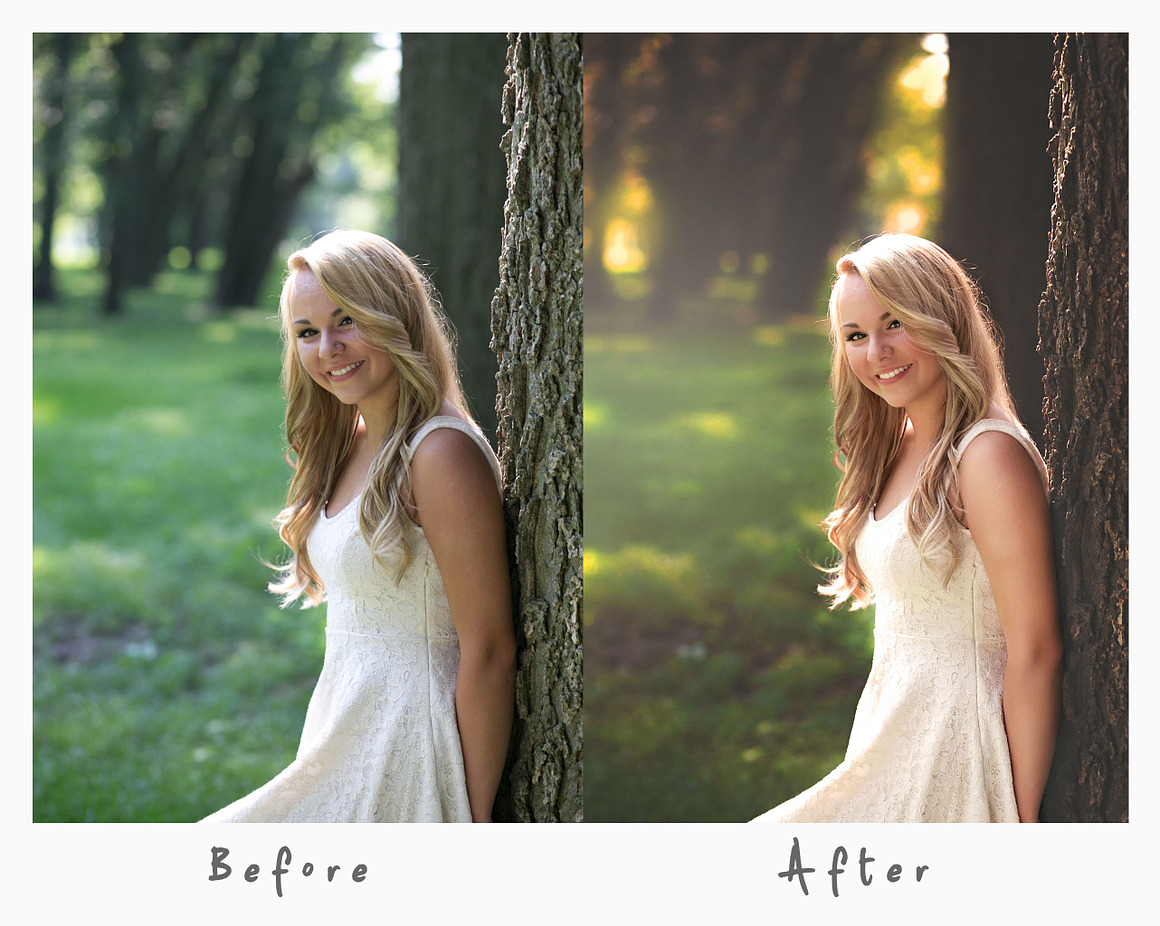
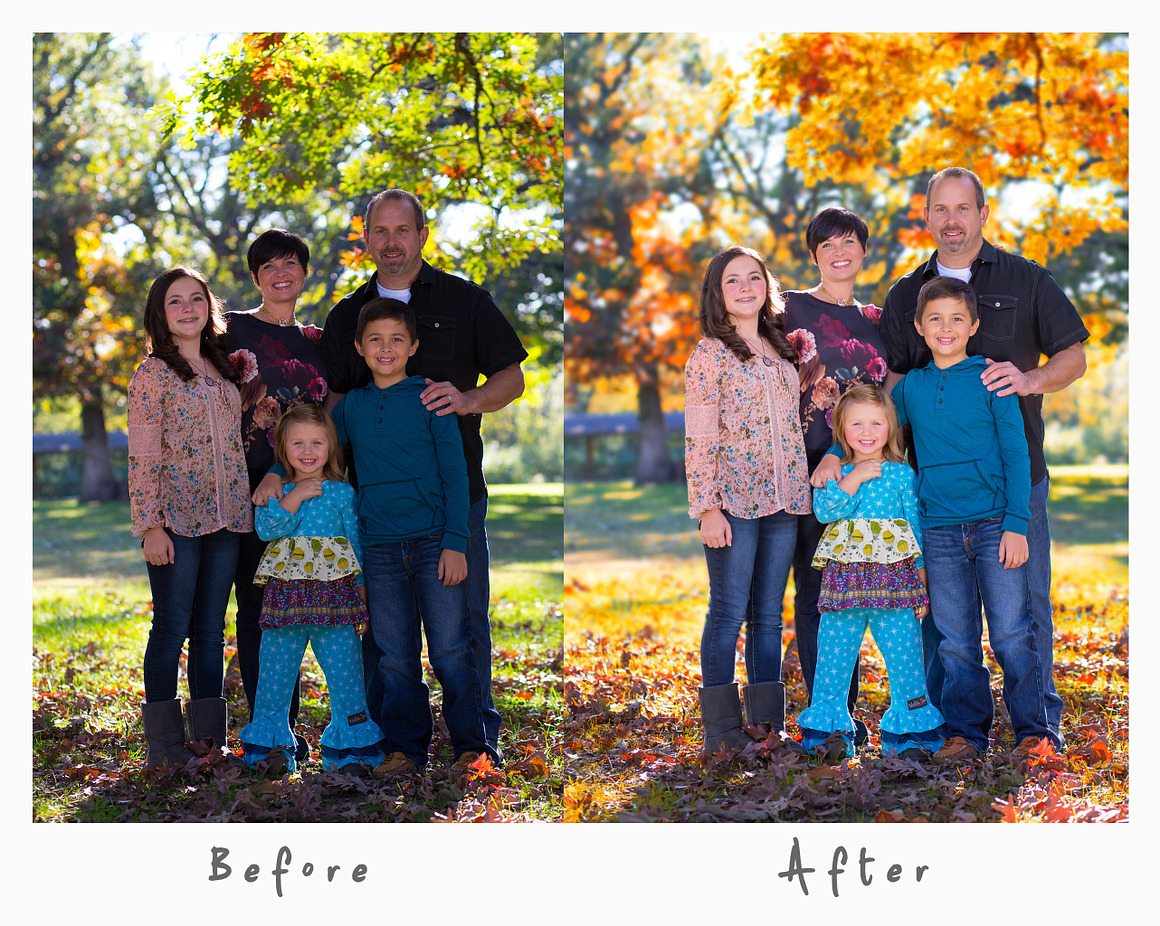
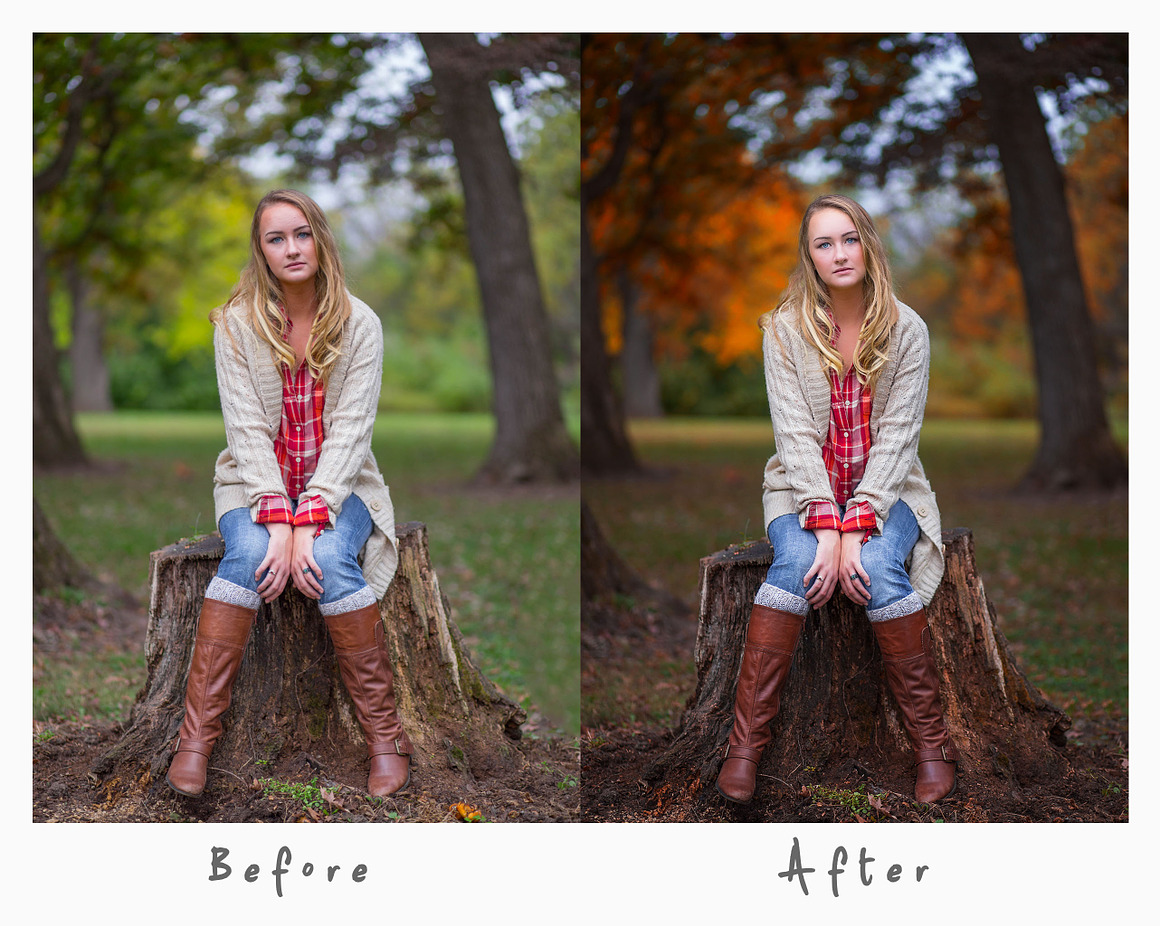
Brilliant Colors – To Add bold brilliant colors! Autumn Splender – Enhance Fall foliage or create a little. With Beautiful bright yellows. Bold Autumn Splender – Bold and crisps Orange foliage awaits you with this action.4 – Detail Brushes
1 – Fill with Light – For brightening the face and body , Just like a flash on your camera does but with amazing results! 2- Brighten & Sharpen- Enhance those details you want to pop in your photographs, especially made for the eyes. 3- Final Eye Sharpen 4- Lots of details – Make clothing , hair and all the little details in your photograph pop with incredible depth with this detail brush.3 – Outstanding Eye brushes – To Bring out the color light & Details
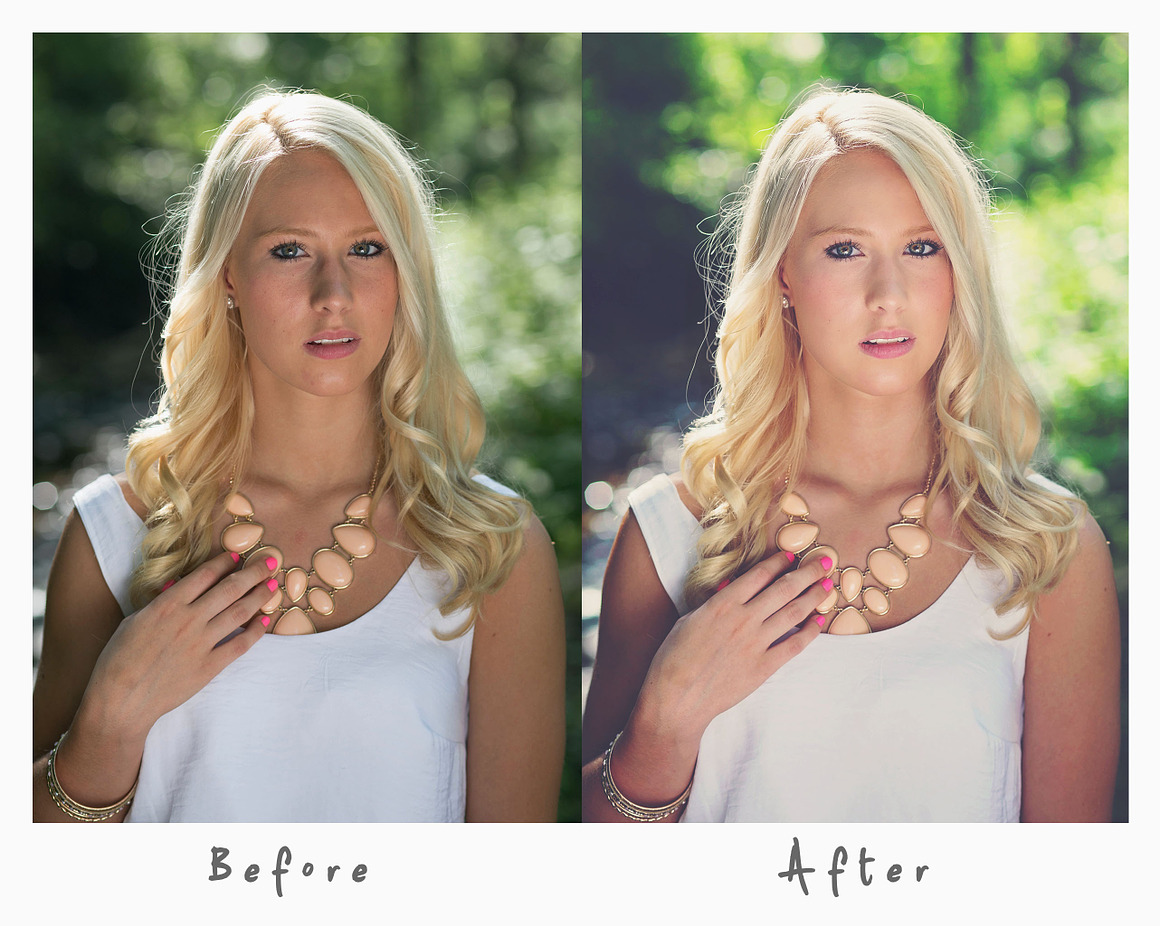
Brilliant Color Catch Lights Amazing Eye Color9 – Facial Skin Brushes – For fixing tone , blemishes or just overall skin perfection.
Naturally Perfect Face – Our favorite overall skin softening brush action. Contour Face – Like having a make up artist in your computer. Adding Light and dark to areas on the face and skin to just make them pop! Blush – Add a little blush color to cheeks Lush Lashes – Just like adding mascara, bringing out the amazing details of eyelashes Creamy Peach – Skin color Warm Beige – Skin Color Whiten Eye Whites Perfectly white teeth Frequency Separation3 – Background Brushes
Darken – Depth Of Field – Create The Perfect depth of field and make your Subject pop right out from the background. Paint On Highlights Paint On Sunbeams3 – Background Blurs — Add a bit of softness and depth of field to any image
Brilliant Blur Soft & Luscious Blur Creamy Matted Blur4 -Finishing Matte Toppers
Matted Film Dreamy Cool Matte Warm Classic Matte Deep Moody MatteBlack & Whites
Beautiful Matte – BW Rustic – BW Bright Matte – BWFinal Sharpening
Magic Print sharpen FB/Web Sharpen
- Well-documented instructions included
- Easy to use one-click actions
- Professional results and very easy to use
- You can Edit All layers Easily
- All layers are organized, named, and placed in groups to have complete control over each layer and each group.
- This action has been tested and working on Photoshop CC2020 English Version. Software supported version: CS4,CS5,CS5.5,CS6,CC,CC2014,CC2015,CC2015.5,CC2016,CC2017,CC2018,CC2019,CC2020+ English Version.
- These actions can use Your Design on both Mac and Windows versions of Photoshop. on Mac and Windows versions.
PRODUCT TERMS:
- The product is delivered as an instant download once you place your order.
- All the actions can be used for both personal and commercial purposes, for yourself or on behalf of a client, or as part of your new design for sale.
- The products cannot be resold, shared, transferred, or otherwise redistributed on their own.



Reviews
There are no reviews yet.